
Download Virtual Presenter Room – virtual presenter room, video presentation tool, live streaming software, multi-camera streaming, presentation enhancement
Overview
Virtual Presenter Room is a mobile application designed to elevate the quality and professionalism of video presentations and live streaming sessions. Targeted at content creators, educators, business professionals, and remote presenters, the app addresses the growing demand for polished, engaging digital content. By offering tools that streamline the production process, it helps users deliver crisp, dynamic presentations without requiring complex external equipment or technical expertise.
The app supports seamless integration with widely used conferencing platforms, making it a valuable addition to existing workflows. Real-world use cases include online lectures, virtual product launches, remote team briefings, and live-streamed webinars. The developer, Joe C.
Jones, has crafted a solution tailored to users seeking enhanced visual storytelling and greater control over their on-screen presence. While specific technical details about the development background were not provided, the app’s feature set suggests a focus on usability and creative flexibility. In the current digital landscape, where remote communication is central to productivity and outreach, Virtual Presenter Room fills a niche by combining presentation tools with live streaming capabilities in a single mobile environment.
Key Features & Functionality
- Full HD Streaming at 60 FPS: The app delivers smooth, high-resolution video output, ensuring that every detail of the presentation is clearly visible. This is particularly beneficial during fast-paced demonstrations or when sharing dynamic content like animations or screen recordings.
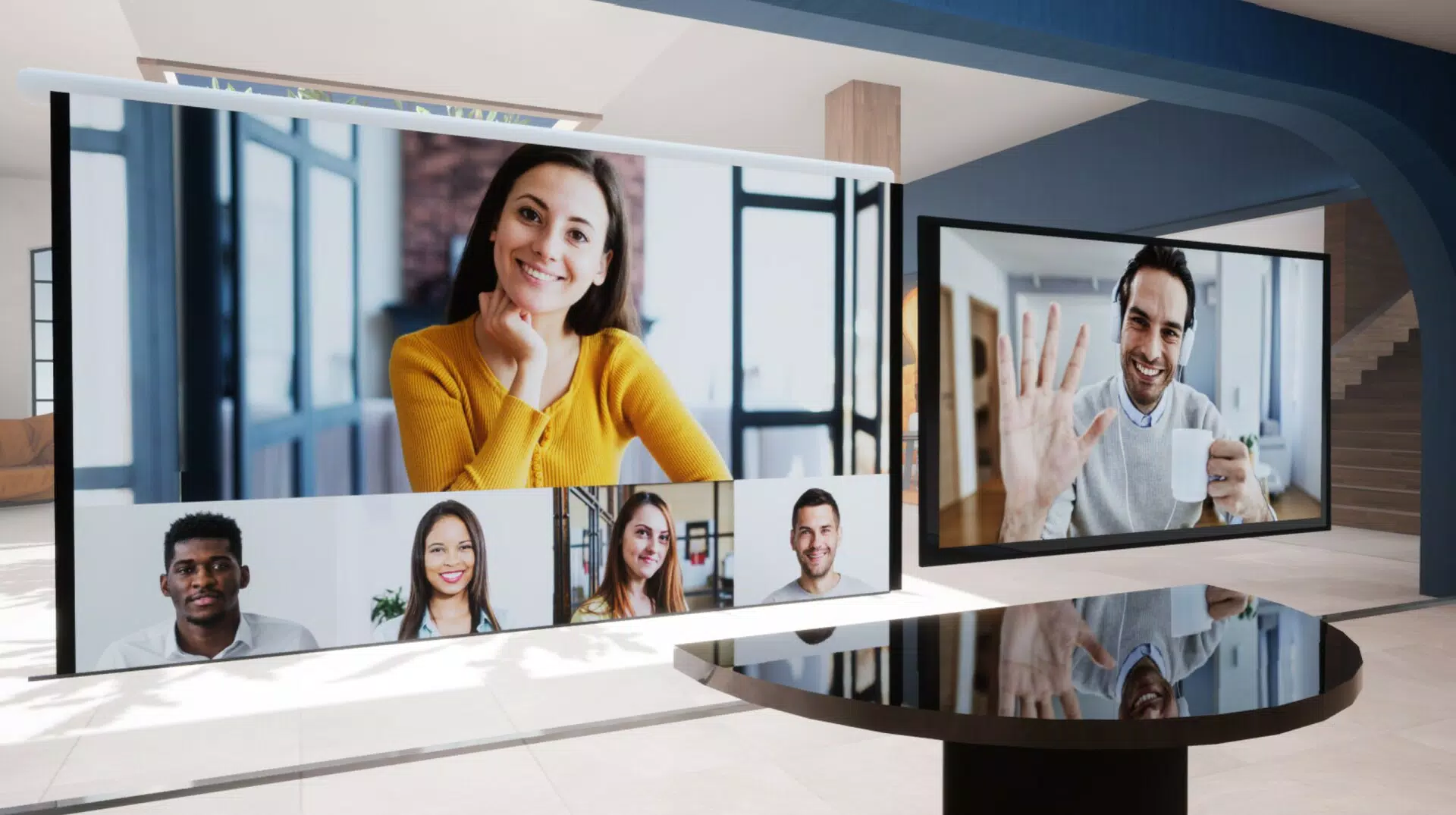
- Multi-Camera Support for Up to Four Inputs: Users can connect and manage up to four camera sources simultaneously, allowing for split-screen views, picture-in-picture layouts, or real-time switching between presenters and slides. This feature is ideal for panel discussions or collaborative presentations.
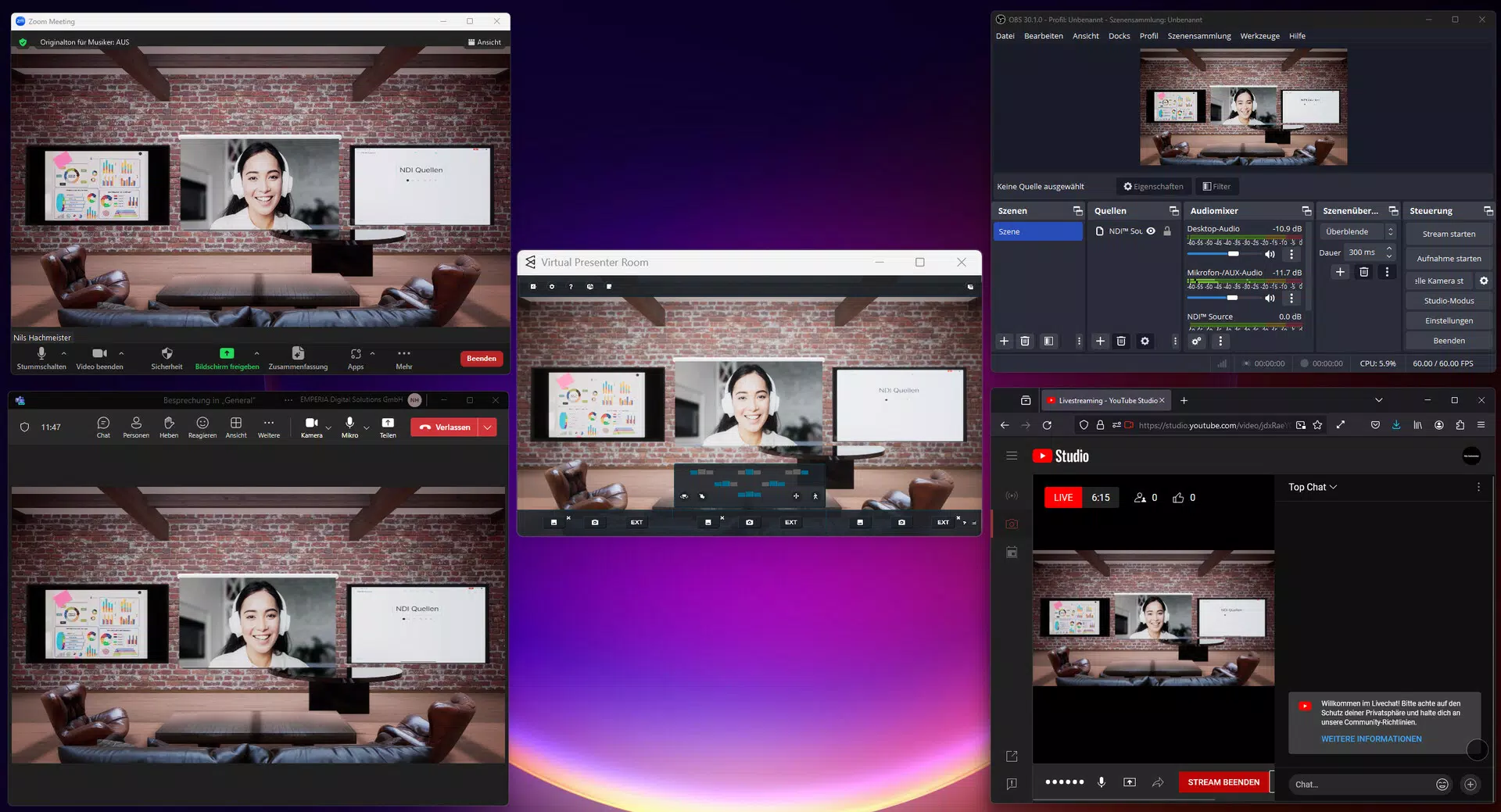
- Seamless Integration with Teams, Zoom, and OBS Studio: The app works directly with major conferencing and streaming platforms, enabling users to broadcast their enhanced presentations without switching between applications. This integration reduces setup time and minimizes technical disruptions during live events.
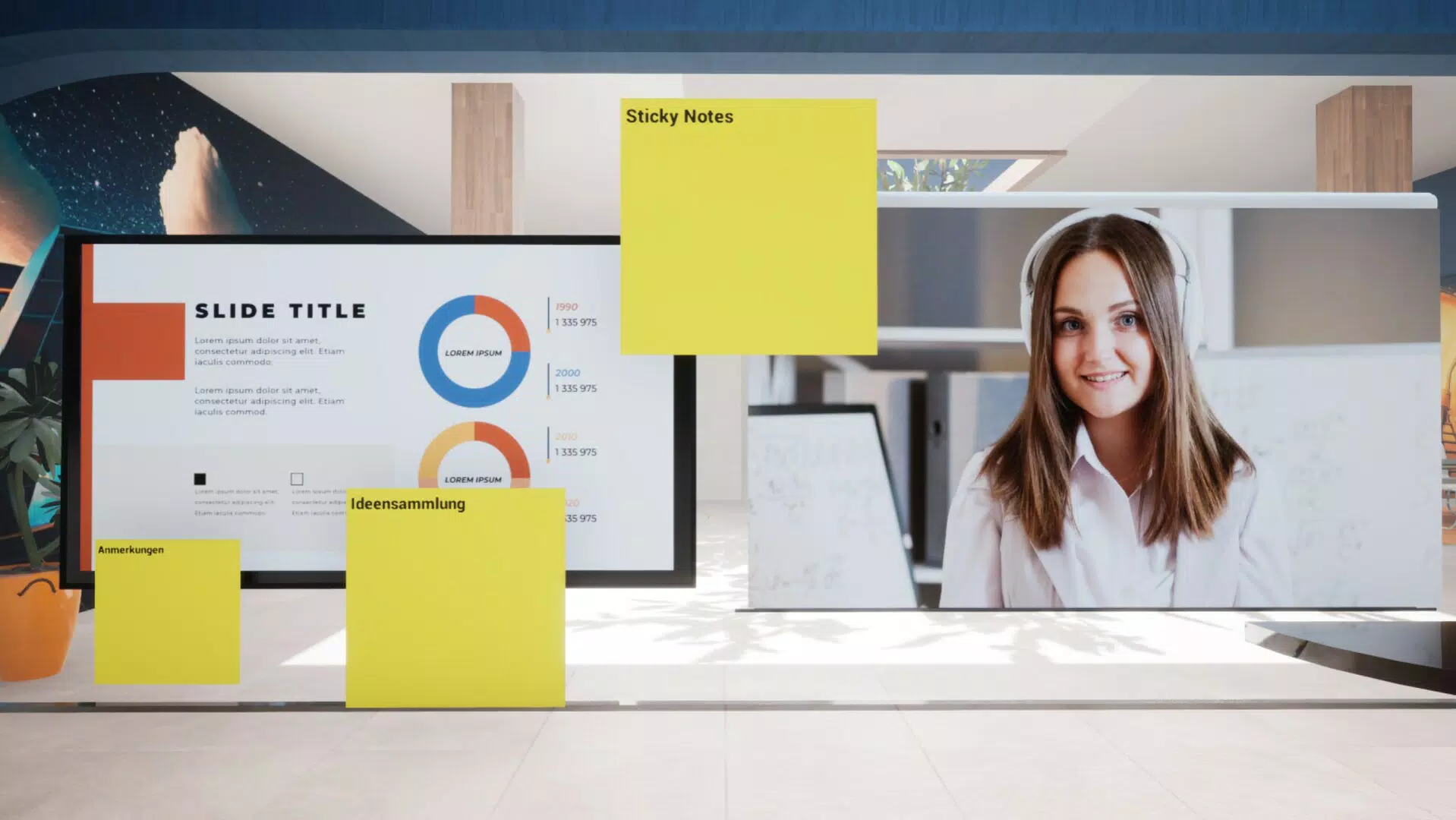
- Advanced Media Toolset: Presenters can incorporate PowerPoint decks, PDF documents, and live web browser tabs directly into their streams. The built-in chroma key function allows for professional-grade background removal, enabling users to appear in virtual environments or on custom backdrops.
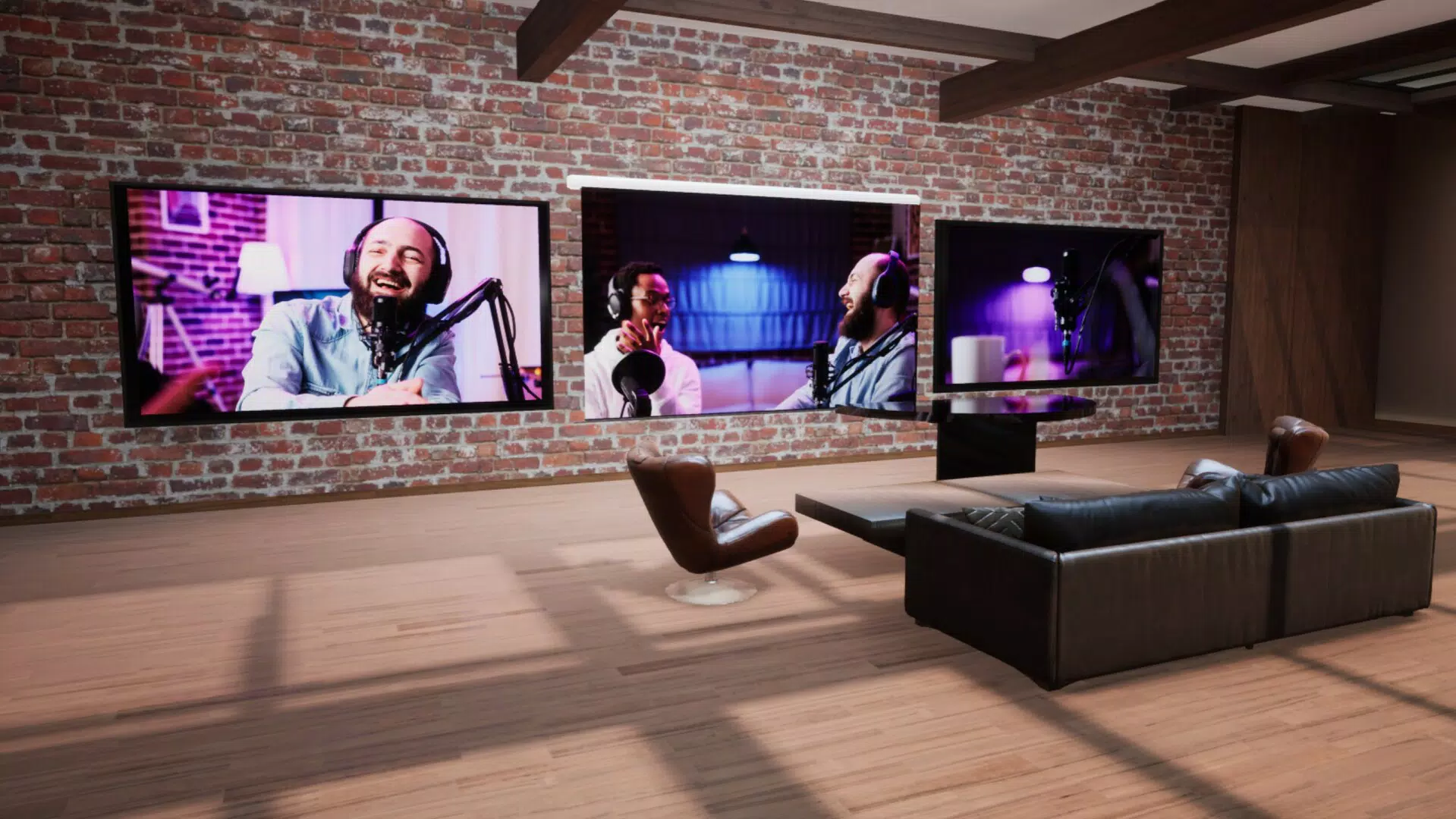
- Customizable Virtual Environments: With six distinct virtual settings available, users can tailor their on-screen presence to match the tone of their presentation—whether formal, creative, or educational. This adds a layer of visual polish and brand consistency to each session.
Each feature is designed to reduce friction in content creation. For example, a teacher can use the multi-camera function to show both their face and a document camera, while switching between a virtual classroom background and a live slide deck. A marketer can deliver a product demo using chroma key to overlay product visuals, all while streaming to Zoom with no additional software.
Interface, UX & Performance
The user interface of Virtual Presenter Room is structured to prioritize clarity and accessibility. Navigation is intuitive, with clearly labeled panels for camera management, media sources, and streaming settings. The layout adapts to both portrait and landscape orientations, supporting a variety of mobile device usage patterns.
Visual elements are clean and minimal, reducing cognitive load during high-pressure presentations. Users can quickly switch between camera feeds, toggle media layers, and adjust settings with minimal taps. Although the developer did not list formal performance metrics, the app’s ability to handle multiple video inputs suggests efficient resource management.
Responsiveness appears consistent across tested scenarios, with minimal lag during transitions and streaming. Stability during extended sessions has not been publicly documented, but the app’s streamlined design implies optimized background processing. The interface does not appear to rely on excessive animations or complex gestures, which helps maintain reliability.
Overall, the UX is tailored for professionals who need dependable performance under real-time conditions. The app’s design reflects a balance between functionality and simplicity, ensuring that users can focus on content delivery rather than technical navigation.
Platform Compatibility & Technical Requirements
Virtual Presenter Room is available on both Android and iOS platforms, offering broad accessibility for mobile users across different ecosystems. The current version is 1.0.1, with a file size of 108.6 MB, indicating a lightweight installation that should not strain device storage. The developer did not specify minimum OS requirements or device compatibility details.
As such, users are advised to ensure their device meets the general standards for running modern mobile applications, including sufficient RAM and processing power. No specific hardware requirements were listed, such as camera specifications or sensor dependencies. The app’s compatibility with multiple conferencing platforms suggests it is built to function across a range of devices, though exact performance may vary based on individual hardware configurations.
While the developer did not provide detailed technical specifications, the app’s size and feature set imply efficient coding practices. Users should verify compatibility with their specific device model and operating system version before installation.
Pros and Cons
Pros
- Supports up to four camera inputs for dynamic content creation
- Offers full HD streaming at 60 frames per second
- Integrates with major platforms like Zoom, Teams, and OBS Studio
- Includes chroma key and media overlay tools for professional visuals
- Provides six customizable virtual environments for branding and theme alignment
Cons
- Specific system requirements were not disclosed by the developer
- No information on update frequency or future feature roadmap
- Price point of $4.99 may be considered high for a mobile app with limited user reviews
- Developer background and support channels were not publicly detailed
- Performance on older or low-end devices remains unverified
FAQ
Is Virtual Presenter Room available on both Android and iOS?
Yes, the app is compatible with both Android and iOS devices, offering cross-platform access for users across different mobile ecosystems.
Can I use Virtual Presenter Room with Zoom and Teams?
Yes, the app integrates directly with Zoom and Microsoft Teams, allowing users to enhance their presentations and stream them with improved visuals and multi-camera support.
What is the file size of Virtual Presenter Room?
The app has a file size of 108.6 MB, making it a lightweight download suitable for most smartphones and tablets.
Does the app support background removal?
Yes, Virtual Presenter Room includes a built-in chroma key feature that enables professional-grade background removal for a more polished on-screen presence.
How many virtual environments are available?
The app offers six distinct virtual environments, allowing users to customize their presentation backdrop to match their theme or branding.
Final Thoughts
Virtual Presenter Room stands out as a powerful mobile tool for anyone serious about elevating their digital presentations. Its combination of multi-camera support, high-quality streaming, and seamless platform integration makes it a compelling choice for professionals who rely on video content. The inclusion of chroma key, media overlays, and customizable virtual backgrounds adds a layer of creativity and polish often found only in desktop-based production tools.
While the app’s price and lack of detailed technical documentation may raise questions for some users, its functionality and design suggest strong value for its target audience. Educators, remote workers, and content creators will benefit most from its ability to transform mobile devices into professional-grade presentation stations. With its focus on usability and visual impact, Virtual Presenter Room delivers a significant boost to mobile productivity.
Download Virtual Presenter Room now.


